
(End the Clutter: Why the Best Online Photo Editor Gives You Instant, Live Results)
You know the drill: You take a great photo, but it’s a little dark, the composition is slightly off, and it’s the wrong size for your Instagram story. To fix it, you usually have two options: download bulky software or upload your private image to a slow online editor that lags on every adjustment.
There’s a better way. Imagine an instant picture adjuster that runs entirely within your browser window, with zero delay between moving a control and seeing the perfect result. This lightweight free image editor is built for speed and simplicity, giving you the power to fix your photos instantly without complicated menus or downloads.
Lovely Photo Editor
Load an image to start applying effects, cropping, and resizing.
Adjustments
Crop Tool
Resize / Stretch
Image Filters
Click “Upload New Image” to begin editing.
The editor works locally in your browser.
The Power of Real-Time Adjustments
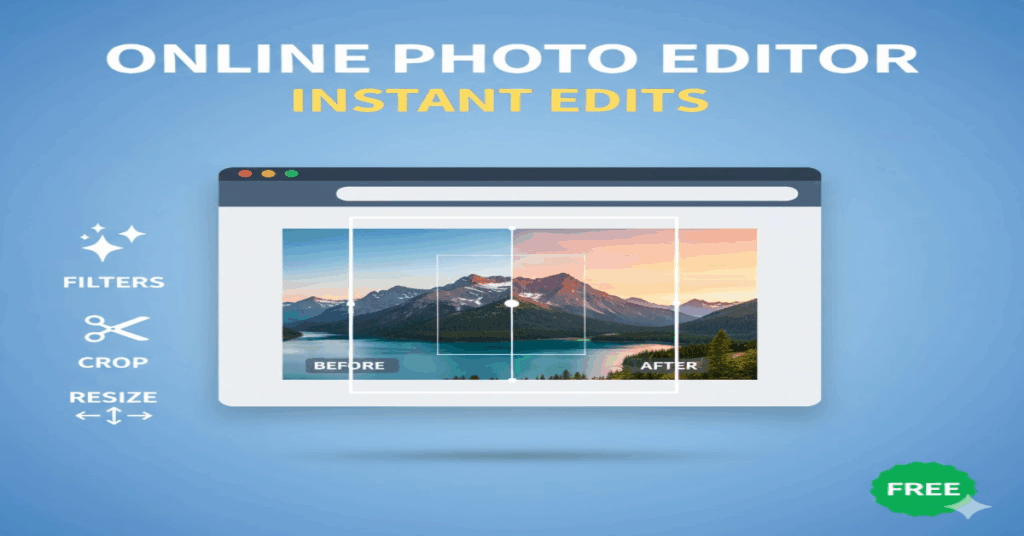
The most frustrating part of using an outdated picture adjuster is the wait. You move the brightness slider, and then you wait a second for the image to refresh. Repeat that five times, and you’ve wasted valuable minutes.
Our editor fixes this problem with true live preview. As soon as your finger moves the control, you see the effect applied to the image. This means you can:
- Instantly Fix Lighting: Dial in the perfect brightness and contrast to make your subject pop, correcting those hazy, underexposed shots with precision.
- Boost Color: Adjust the saturation to make colors vibrant without overdoing it, or pull it back for a subtle, cinematic look.
- Get Creative: Apply grayscale or sepia effects with a single drag, transforming a modern image into a classic photograph in seconds.
This instant feedback loop means you spend less time guessing and more time perfecting your image.
Mastering Composition: Precision Cropping
The difference between a snapshot and a stunning photo is often just a matter of composition. Our online image editor makes the difficult task of cropping incredibly simple and accurate.
No more fighting confusing tools! You simply click and drag on the image to define the exact area you want to keep. The unused parts darken instantly, allowing you to visualize the final result before you commit.
Once you’re happy with the selection, the tool finalizes the crop, instantly focusing your image on the critical elements and discarding the distraction. This is the fastest way to crop images for professional-looking results every time.
Perfect Dimensions: Resize Pictures for Any Platform
Every platform—from your blog to social media—has specific image size requirements. Submitting the wrong dimensions can lead to awkward stretching or poor quality.
Our photo editor tool provides complete control over the final dimensions:
- See Current Size: The tool instantly displays the current width and height of your image in pixels.
- Input Custom Values: Simply type in the exact pixel values you need.
- Stretch or Compress: Whether you need to squeeze an image into a tight banner space or enlarge a thumbnail, the tool handles the scaling perfectly, giving you the power to resize pictures to match any requirement.
This feature is invaluable for bloggers, marketers, and anyone who needs to quickly optimize images for the web.
Skip the Bloatware: Simplicity Wins
Why is this editor superior to those massive downloads? Because it prioritizes speed and usability.
A lightweight free photo editor doesn’t require a fast internet connection to process files, nor does it consume massive amounts of computer memory. It starts instantly and finishes the job faster than any server-reliant tool.
If you’re ready to edit photos online without the hassle, lag, or complexity, switch to the simple, powerful image editor tool designed for instant results.
Ready to Try It?
Start using the simplest online picture adjuster today and see how fast and easy image editing can be!