
Advanced Image Resizer: Resize, Compress, and Convert Images Instantly
In today’s digital world, speed and visual fidelity matter more than ever. Whether you’re a web developer optimizing page load times, a photographer preparing a portfolio, or a social media manager crafting the perfect post, you need to resize images quickly and accurately.
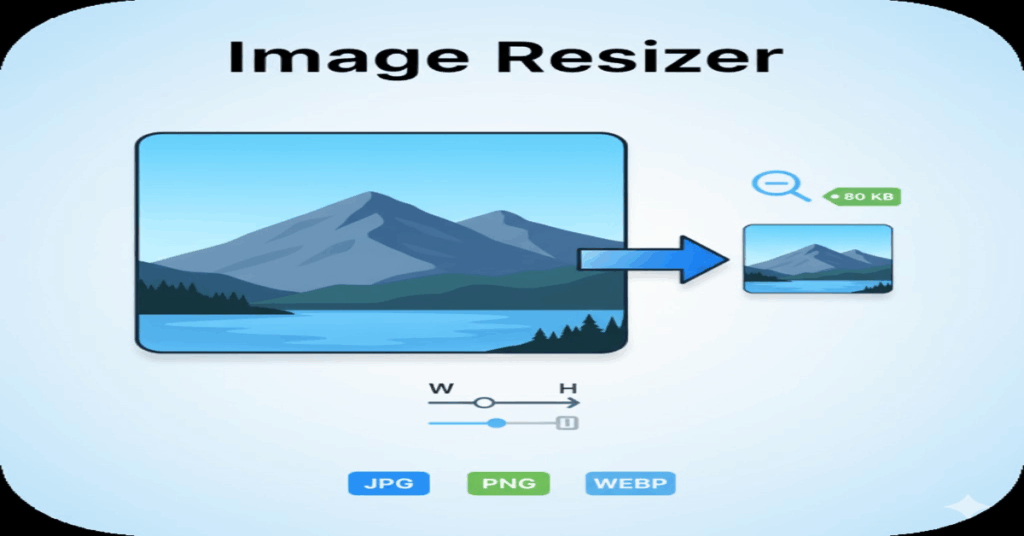
Our free Advanced Image Resizer tool provides the precision resizing, total quality control, and format conversion options you need, all processed instantly in your browser.
Image Optimization Tool
Choose to resize by exact dimensions or by a target file size.
Original Dimensions: N/A
Set Target Dimensions (Pixels)
Result Preview
Why You Need a Smart Image Resizer Tool
The biggest challenges when preparing images are finding the right balance between file size and visual quality. Oversized images slow down websites, harm SEO, and lead to poor user experiences. Simple, outdated tools often fail to correctly maintain the aspect ratio or strip crucial metadata.
Our resizer solves these problems by giving you granular control over every step of the optimization process, ensuring your final image meets your exact specifications—whether you need a tiny thumbnail or a high-resolution banner.
Key Features for Precision Resizing and Compression
Precision Resizing in Pixels (Maintaining Aspect Ratio)
The core function of an image resizer is changing dimensions, but doing it correctly is vital. Our tool allows you to input exact width and height in pixels while offering a crucial feature: the Aspect Ratio Lock.
By toggling the lock, you can adjust one dimension (width or height) and the other will automatically update to maintain the original proportions, preventing the stretched or distorted images common with lower-quality tools. This guarantees your visual content always looks professional.
Total Control Over File Size and Quality (Compression)
Need to shrink a large image for email or web upload? Our tool provides a dedicated Quality/Compression slider.
- For JPEG and WebP formats, you can manually adjust the compression level (e.g., from 10% to 100%) and see the estimated file size update in real-time.
- This feature allows you to achieve significant file size reduction for faster loading times without noticeable degradation, a process often called “lossy compression.”
Convert to WebP, JPEG, or PNG Instantly
Format choice is essential for optimization. Our resizer acts as a powerful image format converter, allowing you to switch between the three most popular file types after resizing:
- WebP: The modern standard for the web, offering superior compression and quality retention compared to JPEG.
- JPEG (.jpg): Best for photographs and complex images where file size reduction is a priority.
- PNG (.png): Ideal for images that require transparency and sharp lines, like logos or graphics.
How to Resize Images Without Losing Quality
Using the Advanced Image Resizer is fast and simple:
- Upload or Paste: Drag and drop your JPG, PNG, or WebP file into the tool, or paste an image directly from your clipboard.
- Set Dimensions: Enter your target width or height in pixels. Ensure the “Lock Aspect Ratio” is checked for proportional resizing.
- Optimize: Choose your desired Output Format and use the Quality slider to balance compression and quality.
- Download: Review the updated dimensions and estimated file size, then click “Download Resized Image” for an immediate file download.
Security and Speed: Client-Side Resizing You Can Trust
Unlike other online tools that upload your files to a server for processing, our Image Resizer operates entirely in your web browser. This is called client-side processing.
This means your original images never leave your computer, ensuring maximum privacy and security. Because all calculations are done instantly using your browser’s resources, the resizing is often faster than traditional server-based methods, giving you instant results.
Ready to take control of your images? Use the Advanced Image Resizer now to quickly compress, resize, and convert your files with professional precision.